
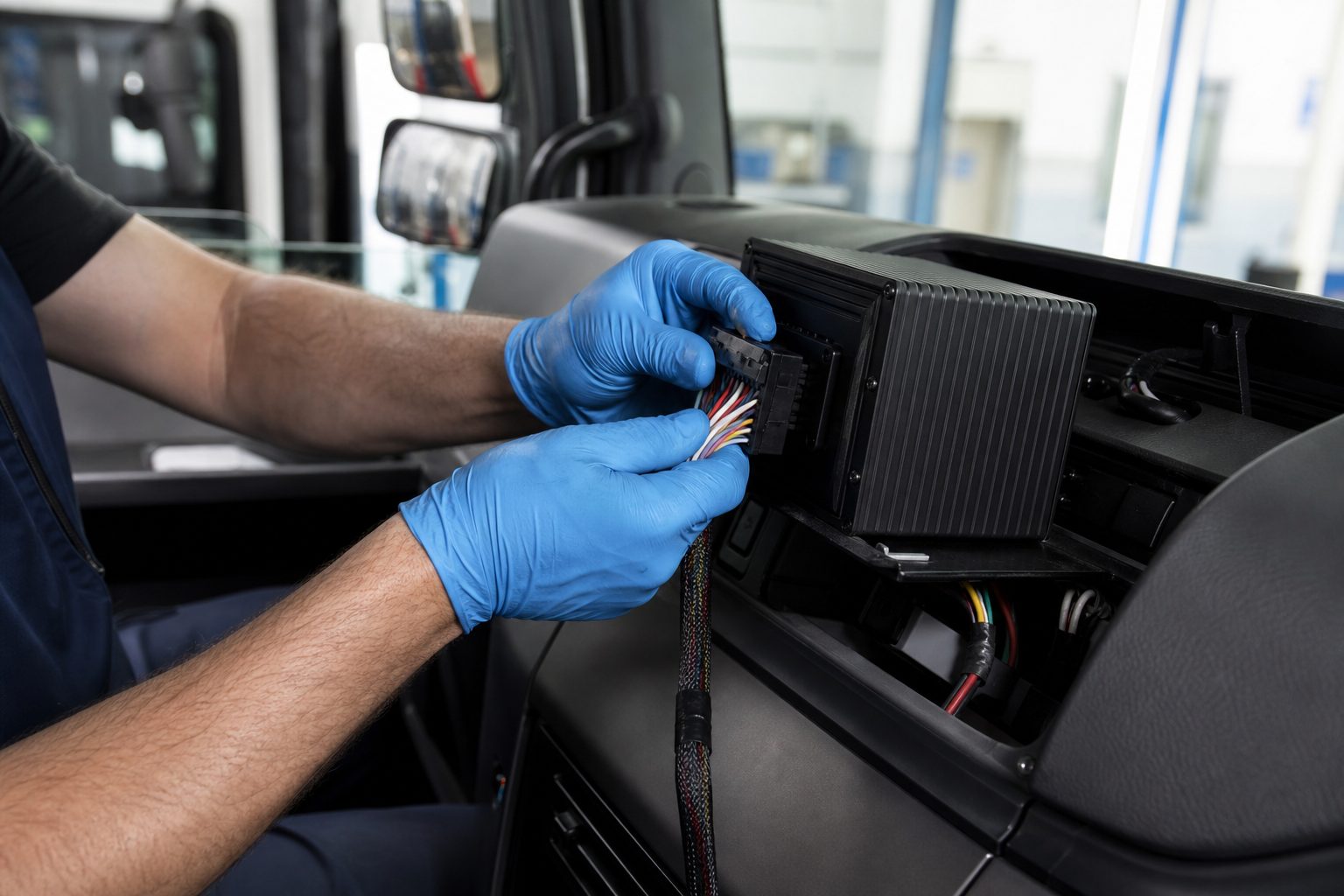
“Footage missing when we needed it most.” “Installer said it would be plug‑and‑play – it wasn’t.” Those are common complaints we hear from fleet teams: missing evidence, incompatible cameras, complex wiring, footage that’s hard to access during incidents, surprise cellular bills and noisy false positives from ADAS/AI.
This practical guide explains what MDVR camera system integration actually looks like, the trade‑offs, and a step‑by‑step implementation and commissioning plan so operations and installers can reduce risk and avoid common mistakes.
Quick links: MDVR solutions | Fleet telematics integration
“An MDVR (Mobile Digital Video Recorder) is a vehicle-grade multi-channel recorder that collects video from vehicle cameras, stores footage locally, and can upload events via cellular for fleet monitoring and incident investigation.”
An MDVR is a ruggedised recording appliance for vehicles that accepts multiple camera inputs, records locally with forensic timestamping and can optionally upload event clips over cellular to a fleet portal.
Installer note: not all MDVRs labelled “16‑channel” support 16 HD channels simultaneously – check channel bandwidth.
An MDVR sits between vehicle cameras and your fleet platform: cameras → MDVR → local storage → cellular/Wi‑Fi gateway → cloud portal / telematics. Decide early which data must stay local and what you will upload.
Practical checklist for installers (follow in order):
Installer tip: Poor cable routing next to alternator or CAN harness often introduces noise – keep camera runs separate.
Map channels, configure recording modes and set triggers. Use human‑readable labels and document the mapping for operations and evidence exports.
| Channel | Suggested label | Purpose |
|---|---|---|
| 1 | Front‑Road (FR) | Forward‑facing evidence capture |
| 2 | Driver Cabin (DC) | Driver‑facing / DMS |
| 3 | Rear (R) | Rear collision / loading |
| 4 | Left Side (L) | Side impact / blind spot |
| 5 | Right Side (R) | Side impact / curb interactions |
| 6 | Cargo / Door (C) | Door open/close events |
| 7 | Aux 1 (A1) | Trailer camera / ANPR |
| 8 | Aux 2 (A2) | Additional coverage / backup |
Recording modes and triggers:
Time sync: Use GPS time as primary; NTP as a fallback. GPS timestamps are preferred for cross‑vehicle correlation and legal evidence.
Illustrative calculation: 1080p at ~2 Mbps ≈ 900 MB/hour (~21.6 GB/day). Five cameras continuous → ~108 GB/day. Continuous multi‑camera streaming typically requires specialised data plans or is cost‑prohibitive; prefer event upload or edge filtering. (Illustrative – verify with your bitrate settings.)
Installer tip: If you insert the SIM and cannot go online, configure APN and operator settings in the MDVR – don’t assume plug‑and‑play.
Quick decision matrix to find the right fit.
| Feature | MDVR (multi-channel) | Single dashcam | Fixed vehicle DVR | Cloud‑edge hybrid (AI gateway) |
|---|---|---|---|---|
| Channels supported | 4–16+ | 1–2 | 1–4 | 1–8 (may aggregate) |
| Max simultaneous HD streams | Varies by model; check throughput | 1–2 | 1–4 | Usually limited; uses edge analytics |
| Local storage | MicroSD + SSD/HDD/eMMC | MicroSD (high endurance) | SATA HDD or microSD | Edge cache + cloud retention |
| Event upload support | Yes (event or continuous) | Yes (cloud models) / No (local only) | Sometimes | Yes, filtered by AI |
| Live stream capability | Yes (data heavy) | Limited | Rare | Yes (highlights / low bitrate) |
| Ease of install | Moderate–complex | Easy | Moderate | Moderate |
| Tamper resistance | High (locked bays / I/O alerts) | Low | Medium | Varies |
| Typical cost (capex/opex) | Higher CAPEX, variable OPEX | Low CAPEX, low OPEX | Medium CAPEX | Medium–high OPEX (subscriptions) |
| Best‑for | Forensic evidence, multi‑camera high‑risk fleets | Driver coaching, low budget | Simple vehicle cams without cloud | Alerting‑first fleets wanting remote monitoring |
When to pick MDVR: need multi‑angle evidence, chain‑of‑evidence and local fail‑safe storage. Pick dashcams when budget is tight and only forward/driver coaching is required. Choose cloud‑edge hybrids when you prioritise real‑time AI alerts and low on‑vehicle maintenance, but expect higher OPEX.
MDVR vs AI telematics: MDVR records full video. AI telematics often provide alerts but may not retain full forensic footage – if you need evidence to defend or assign liability, MDVR is the safer baseline.
“Wanted cheaper dashcams but lost footage on litigation – we needed MDVR for chain‑of‑evidence.”
Common benefits reported by fleets include faster investigations, driver exoneration through multi‑angle evidence and more defensible insurance outcomes.
What success looks like:
“We forgot to set retention and ran out of space during a busy month – footage overwritten.”
Ask vendors for:
If you need multi‑camera forensic evidence, tamper‑resistant local storage and chain‑of‑evidence control across medium or high‑liability fleets, MDVR is usually the right tool. For small vans or low‑risk, low‑OPEX needs, dashcams or cloud alternatives may be better.
Persona A – Long‑haul truck fleet (MDVR recommended)
Fleet: 120 trucks. Pain: multi‑angle evidence for collisions and trailer swaps. Recommendation: 8‑channel MDVR, locked HDD bay, CAN integration and cellular event upload for fast claims handling.
Persona B – Small courier van (dashcam/cloud recommended)
Fleet: 25 vans. Pain: low budget, driver coaching. Recommendation: twin dashcam (front + driver) with optional cloud upload; stage MDVR rollout for highest‑risk routes.
Persona C – School bus operator (MDVR required)
Fleet: 40 buses. Pain: regulatory chain‑of‑evidence and child safety. Recommendation: MDVR with tamper‑proof storage, encrypted exports and strict retention controls.
Objection handling: “Too expensive to roll out to all vans” – consider staged pilots on high‑risk assets, measure ROI (claims reduced) and scale accordingly.
UK/EU focus: GDPR requires documented lawful basis, purpose limitation, data minimisation, staff notification and access logs. Cross‑border roaming and cloud storage introduce residency considerations.
What to show auditors: data map, retention policy, access logs, chain‑of‑custody export samples and DPIA where required.
Hard stop – things to check before you buy:
Require these fields in your RFP / spec:
Spec template (copyable):
{ "channels": 8, "maxSimultaneousHD": 4, "storage": "microSD + 2.5\" SATA HDD (1TB)", "voltageRange": "9-36V", "cellular": "4G LTE Cat 6", "CAN": true, "I/O": {"inputs":4,"outputs":2}, "api": "REST", "warrantyMonths": 24 }Installer tips: Use quick‑release trailer connectors for trailers; avoid routing camera runs alongside alternator cables.
Failure‑mode checklist:
10‑step commissioning checklist:
| Symptom | Immediate checks & fix |
|---|---|
| No video on channel X | Check BNC/RJ45 connector, camera power, channel enabled in MDVR. |
| Intermittent drops on camera | Inspect cable chafe, replace connector, test with short patch cable. |
| MDVR not online after SIM insert | Verify APN, username/password and operator settings in device. |
| High data usage unexpectedly | Check upload policy (continuous vs event) and bitrate per channel. |
| Corrupted footage on export | Check for power interrupts; run HDD SMART; enable graceful shutdown. |
| GPS time incorrect | Reposition GPS antenna; check cable and GPS module health. |
| HDD not detected | Check SATA power/connector and HDD compatibility. |
| MDVR reboots under load | Check voltage stability, overheating and replace power cable if needed. |
| Tamper/alarm false positives | Check I/O wiring, filter thresholds and accelerometer calibration. |
| Poor ANPR plate read | Use correct ANPR camera, ensure IR and resolution settings are correct. |
| Firmware update failed | Reboot, retry via USB with correct firmware image and checksum. |
| SD card full / overwritten | Confirm retention settings, set alerts on capacity and schedule offload. |
If you can’t access footage remotely in 10 minutes, it’s not remotely usable in an incident.
Top misconceptions about MDVR integration – and the quick vendor test to prove them.
| Myth | Why it’s wrong | Quick vendor question |
|---|---|---|
| “Just insert the SIM and the MDVR will be online.” | APN/operator configuration and device registration are usually required. | Provide step‑by‑step APN fields and a remote debug example. |
| “MDVR = plug‑and‑play; no configuration.” | Channel mapping, recording modes and user roles must be configured for reliable operation. | Show commissioning checklist and user role demo. |
| “Any 16‑channel device runs 16 HD cameras.” | Throughput and codec limits cap simultaneous HD streams. | What is the max simultaneous 1080p streams at X Mbps per channel? |
| “MDVR always powers cameras.” | Some units provide camera power; others require PoE or separate power runs. | Does the unit supply 12V/5V to camera headers and what is the total current budget? |
| “Cloud removes GDPR worries.” | Cloud adds data residency and retention obligations; lawful basis still required. | What data regions are used and how are access logs reported? |
| “Continuous streaming is affordable with any SIM.” | Multi‑camera streaming consumes large data volumes and can cause high bills. | Provide estimated MB/day for my planned stream profile. |
| “Firmware updates are optional and risk‑free.” | Updates can change behaviour; require rollback and test plans. | Show firmware update rollback procedure and release notes. |
Complementary: CAN/telematics integration, driver scoring, insurer integrations, remote firmware and evidence management portals.
| Need for multi‑camera evidence | Low budget | Moderate budget | High budget |
|---|---|---|---|
| Low | Dashcam | Cloud‑edge | Cloud + limited MDVR |
| High | Pilot MDVR on key assets | MDVR with selective upload | Full MDVR + cloud evidence mgmt |
MDVRs are tools, not silver bullets. They suit fleets needing multi‑angle forensic video, locked local storage and chain‑of‑evidence control. Trade‑offs include higher CAPEX, installation complexity and potential cellular OPEX. If unsure, test dashcams on low‑risk routes and run a 10‑vehicle MDVR pilot on high‑risk assets.
Backwatch – technical fleet video specialists with operational experience in UK and European fleets. We design systems for uptime and evidence integrity, not press releases.
An MDVR records multiple vehicle cameras to local storage, timestamps events with GPS and can upload event clips over cellular – used where multi‑angle forensic evidence and chain‑of‑evidence are needed. MDVRs provide local fail‑safe storage and multi‑camera context for investigations. They support triggers (ignition, accelerometer, CAN) and produce exportable chain‑of‑custody packages.
MDVRs commonly support 4, 8 or 16+ channels; max simultaneous HD streams depends on device throughput and codec. Channel count is distinct from simultaneous HD capability – verify max simultaneous 1080p streams and codec (H.264/H.265). Request throughput (Mbps) and sample footage showing simultaneous channels from your vendor.
Yes – but live multi‑camera HD streaming uses substantial data; most fleets use event‑only upload or low‑bitrate streams. Continuous streaming can consume tens of GB per vehicle per day. Get MB/day estimates from your vendor for your planned stream profile.
Retention depends on storage size and recording policy. Set circular overwrite with alerts and keep a separate chain‑of‑custody export process for incidents. Tie retention policy to legal/insurance needs; configure alerts when capacity reaches threshold and offload critical incidents to secure cloud storage.
MDVR systems can be GDPR‑compliant if you have a lawful basis, retention minimisation, staff notices and documented access controls. Implement purpose limitation, access logs and DPIAs where needed. Store data in approved regions and produce an audit trail for access.
Yes – many MDVRs offer APIs or platform integrations to share event metadata and video clips with telematics or insurer portals. Confirm supported APIs and formats (MP4 with timestamped metadata) and chain‑of‑custody exports.
Abrupt power loss can corrupt footage. Mitigations include parking mode batteries, orderly shutdown on ignition loss and power conditioning. Use ignition‑gated shutdown, supercapacitors or LiFePO4 battery packs and test export recovery to avoid losing incident footage.
Costs vary by upload profile: event‑only upload is low; continuous multi‑camera streaming can exceed multiple GB per day. Get MB/day estimates from your vendor for your expected event rate and negotiate SIM/data plans with caps and alerts.
Some MDVRs offer edge AI for basic classification; heavier analytics often run in the cloud or on a dedicated edge gateway. Edge AI reduces bandwidth by sending flagged clips; full AI stacks typically require cloud compute for large models. Confirm which analytics run on device and which require cloud.
Common mistakes: wrong fuse selection for ACC, unlabeled cables, poor GPS placement and forgetting APN settings for cellular. Follow a commissioning checklist (map channels, test triggers, verify timestamps and APN) to avoid these errors. If you insert the SIM and still cannot go online, configure APN and operator settings – don’t assume plug‑and‑play.
Download our free checklist covering procurement specification, site survey, physical installation, logical commissioning and ongoing maintenance – everything your installer and operations team need.
Related guides: Camera Systems for Articulated Trailers – An Operator’s Guide · MDVR power requirements explained
Tell us what vehicles you run and what you need — we will come back with a recommendation and a price. Prefer to talk? Call 01656 721871.
4 August 2026
Monday to Friday:
8.30am-5.30pm

