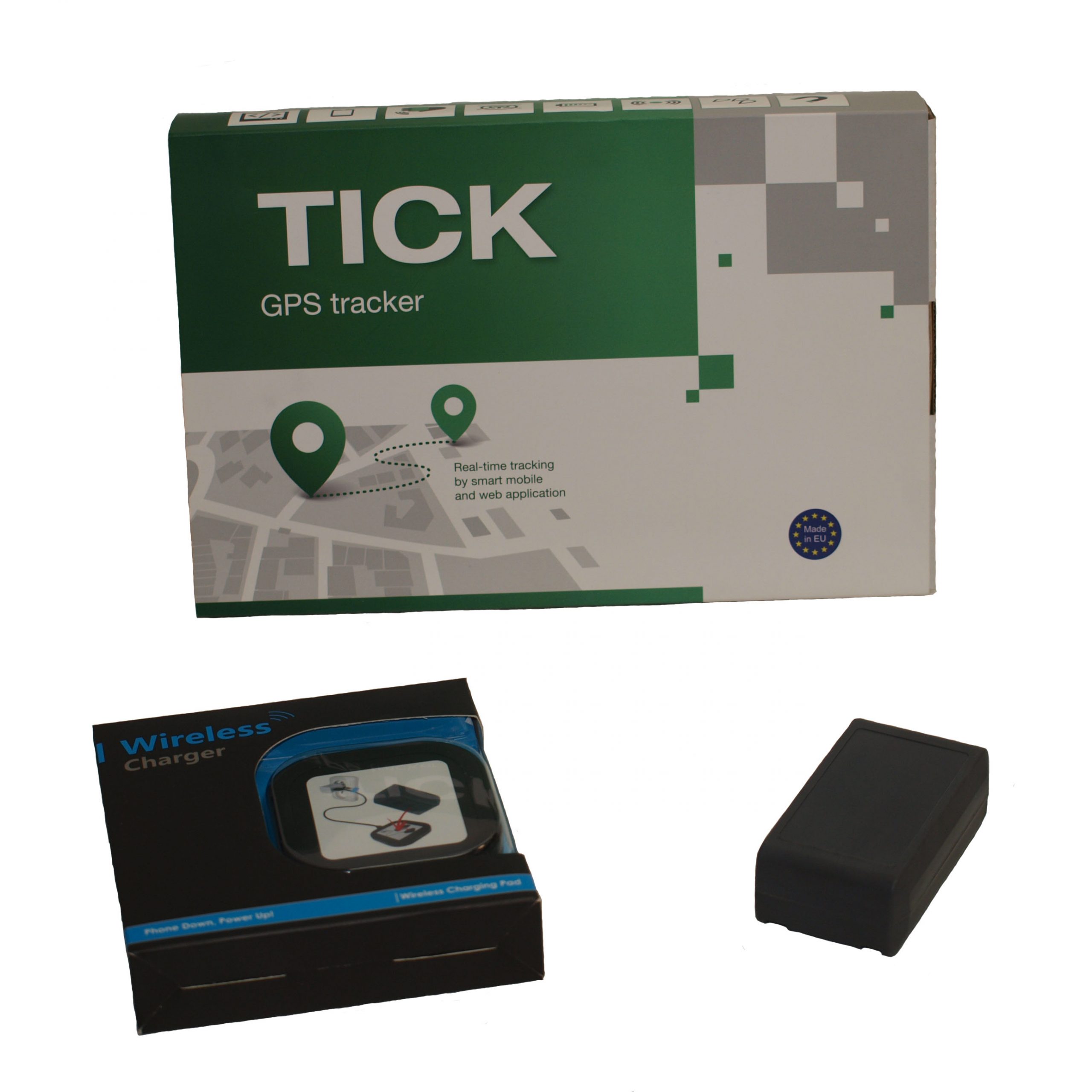
A GPS tracker tells you where every vehicle is, in real time, on a single fleet map. For lone-worker safety, scheduled-route verification, theft recovery, and post-incident location evidence, the GPS tracker is the smallest, simplest piece of kit on the vehicle and one of the most consistently useful. Unlike camera and sensor systems that address specific operational risks, the tracker addresses the universal question that every fleet manager needs answered: where is the vehicle right now?
Backwatch supplies the Tick Tracker — a compact, IP69K-rated GPS tracker with cellular connectivity, geofence alerts, and integration with the Live View Platform. Fits any vehicle from light vans to articulated HGVs; installs in under an hour; integrates with the same fleet portal that handles camera and sensor systems.
Five operational use cases make GPS tracking standard fleet equipment:
The Tick Tracker is a single-unit GPS tracker with the following features:
| Feature | Tick Tracker |
|---|---|
| Position update rate | 30s default, 10s configurable |
| Connectivity | 4G LTE cellular |
| Battery backup | Internal Li-ion, ~24-48hr |
| IP rating | IP69K |
| Geofence support | Multiple custom zones |
| Speed alerts | Configurable thresholds |
| Portal integration | Backwatch Live View Platform |
| Compatibility | Any 12V/24V vehicle |
The Tick Tracker connects to the same Backwatch fleet portal that camera and sensor systems use, providing:
A common question for fleets new to camera and tracking systems:
An MDVR with built-in GPS provides position data alongside camera footage, useful primarily for incident investigation and footage timestamping. A standalone GPS tracker provides position data only, and is optimised for real-time fleet visibility — smaller, lower cost, lower power consumption, and configurable for high-frequency position updates that an MDVR doesn’t typically need. For fleets fitting MDVRs to all vehicles, a separate tracker is often unnecessary; for fleets with mixed needs (MDVR on some vehicles, basic tracking on others), trackers cover the lighter-duty vehicles cost-effectively.
The tracker continues to capture position data internally even without cellular coverage — it stores position records and uploads them when coverage is restored. Real-time tracking requires coverage, but the historical record is preserved across coverage gaps. For rural operations (quarry, agriculture, remote maintenance), this store-and-forward capability means no operating data is lost; the only impact is that real-time visibility is delayed until coverage is restored.
When a vehicle is reported stolen, the tracker’s real-time position data is provided to the police vehicle recovery team. The tracker continues to operate from internal battery if the thief disables the main vehicle battery, so the position data continues to update. UK police recovery teams have established protocols for working with GPS-tracked vehicles; recovery rates are significantly higher than for vehicles without tracking. Backwatch can provide tracker data to police directly when authorised by the registered keeper.
GPS data of company vehicles is operational data, not personal data, where the vehicle is identified rather than the driver. Where the tracker is on a vehicle that’s also used personally (e.g., company car with personal use), the data does relate to the identified driver and UK GDPR applies. The fleet’s data protection policy should document the lawful basis for tracking, the retention period, and the access controls. For purely operational fleet vehicles, tracking is typically straightforward; for vehicles with personal use, additional GDPR considerations apply.
Yes. The Tick Tracker portal supports custom geofence zones — you can define a zone (e.g., a depot, a customer site, a no-go area) and configure alerts for vehicles entering or leaving the zone. Multiple geofences per fleet are supported. Common use cases: depot exit/entry alerts (knowing when vehicles depart and return), customer site arrival confirmations, no-go zone alerts (council vehicles entering pedestrian-only areas), and route compliance checks (vehicles deviating from a planned route).
Standard GPS accuracy is approximately 5-10 metres in good signal conditions. In urban canyons (tall buildings, narrow streets), accuracy can degrade to 20-30 metres temporarily. For fleet management purposes, this is more than sufficient — the operational use cases (route verification, geofence alerts, theft recovery) work well within the typical accuracy band. For applications requiring sub-metre accuracy (specialist surveying, precision construction), GPS alone isn’t the right tool; differential GPS systems are the appropriate technology.
Yes. The Tick Tracker is a standalone unit with its own cellular connection — it doesn’t compete with or interfere with cameras, sensors, or MDVRs. For vehicles with cameras and sensors already fitted, adding a tracker takes about an hour and requires only power connection to the vehicle. The tracker’s data appears in the same Backwatch portal alongside the existing camera/sensor data, so the fleet manager has a unified view.
Tell us what vehicles you run and what you need — we will come back with a recommendation and a price. Prefer to talk? Call 01656 721871.
17 July 2026
Monday to Friday:
8.30am-5.30pm