
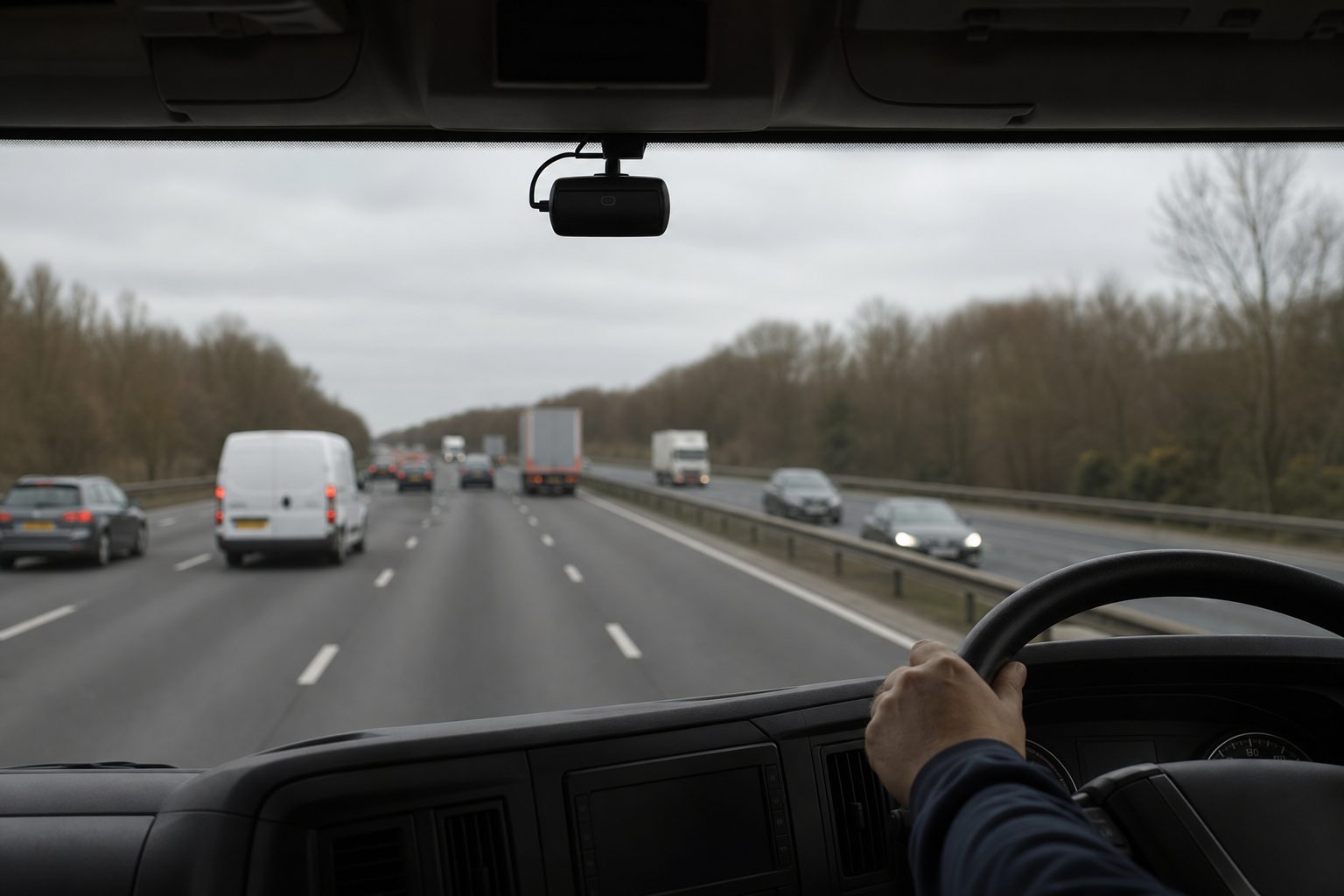
A refuse lorry makes hundreds of stops per day. Crew members work outside the vehicle at the rear and nearside at each collection point. Pedestrians, cyclists, and parked vehicles are present throughout the route. The vehicle reverses regularly, often in restricted residential streets where visibility is limited. And for much of the shift, the transport manager has no direct contact with either the driver or the crew.
Recorded footage captures what happened. In waste collection, where the most serious incidents — a crew member caught behind a moving vehicle, a pedestrian in the vehicle’s path during a reversal, a bin lift incident — happen in seconds and without warning, the transport manager who is relying only on recorded footage learns about serious events after the vehicle returns to depot, or when the phone rings.
Live view gives waste fleet managers the ability to check what is happening on specific vehicles, at specific moments, without waiting for the vehicle to return. For a fleet type where every stop is a potential incident point and the crew spend their working day in close proximity to a moving HGV, that real-time visibility is operationally significant in ways it is not for long-haul or delivery fleets.
Rear crew welfare check: A vehicle has been stationary for longer than expected at a collection point and the driver has not called in. The transport manager opens the rear-facing live camera feed. In most welfare situations — a crew member who has been hurt, a confrontation with a member of the public, a vehicle that has become stuck — the visual confirmation is available within seconds of requesting the feed. The manager can assess the situation and decide whether to dispatch support before the driver makes contact.
Route completion verification: Commercial and municipal waste contracts frequently generate disputes about whether specific collection points were attended and at what time. Live view combined with GPS data enables the transport manager to verify route progress in real time without calling the driver — confirming which rounds have been completed and where the vehicle currently is. For contracts with tight service level windows, this real-time verification capability prevents the build-up of service disputes that arise when route completion can only be confirmed after vehicle return.
Incident at a collection point: A G-sensor event fires on a vehicle that is mid-route. The transport manager opens live view immediately — within seconds of the alert. The footage shows the current state of the vehicle and crew. If the event was a minor impact with street furniture, the manager can confirm the driver and crew are uninjured and continue monitoring. If the event was more serious, the immediate confirmation of crew state and vehicle position enables the right response before anyone has made a call.
Remote access for council oversight: For councils and waste management companies running contracted services, live view provides the contract management evidence that demonstrates service delivery. A council officer questioning whether a particular road was attended on a particular morning can be answered with footage and GPS data retrieved from the platform the same day, rather than waiting for a formal evidence request to be processed.
Waste collection vehicles operate in a pattern that creates specific challenges for G-sensor alert configuration. A refuse lorry performing a 400-stop residential round generates significant vehicle movement data — repeated slow-speed stop-start cycles, frequent reversals, regular compaction cycle vibration. Standard G-sensor sensitivity settings calibrated for long-haul or urban delivery operations will generate excessive false alerts on a refuse vehicle, creating alert fatigue for both the driver and the transport manager.
A question that comes up regularly from waste fleet managers configuring their MDVR systems is how to distinguish meaningful events from the noise of normal collection operations. The configuration approach that works for refuse fleets involves setting higher threshold sensitivity for low-speed events — accepting more variation in the stop-start cycle — while maintaining or tightening sensitivity for higher-speed events that indicate genuine risk. A harsh braking event at 3mph in a residential cul-de-sac has different implications to the same G-sensor reading at 30mph on an approach road.
In-cab alerts for refuse operations should prioritise the risk behaviours most specific to the vehicle type: rear proximity alerts when reversing, lane departure on the transit between collection rounds, and speeding on routes between locations. The crew-facing risk — departure from a stop without crew clearance confirmation — is addressed through the in-cab monitor and MOIS system rather than the general G-sensor configuration.
The Moving Off Information System standard, which governs the process for confirming crew clearance before a refuse vehicle moves off from a collection point, involves the driver using the in-cab monitor to verify the rear and nearside camera feeds before moving. Live view does not replace this process — it operates in parallel with it.
What live view adds is the transport manager’s ability to verify that the MOIS process is being followed consistently across the fleet. A manager who opens a live view session on a vehicle mid-collection can observe the driver’s behaviour at the monitor during a departure sequence. If drivers are moving off without reviewing the camera feeds — using the monitor as a formality rather than a safety check — the live view capability makes this visible to the manager before it produces an incident rather than after.
For waste fleets pursuing FORS accreditation, the ability to demonstrate active oversight of MOIS compliance — through live monitoring records alongside the incident log — provides evidence of the safety management process in practice. This is distinct from simply having the hardware installed.
Waste collection vehicles generate more G-sensor events per shift than most other commercial vehicle types, simply because of the number of collection stops and the operational environment. A connected MDVR on a refuse lorry may flag 20–40 G-sensor events per shift on default settings, compared to 2–5 events on a typical delivery route.
The fleet management platform view for a waste fleet needs to distinguish between noise and signal. Effective alert triage for refuse operations typically involves: filtering out low-speed events below a threshold (say, 5–8 mph) from the alert feed, prioritising events that occur during transit between rounds rather than during collection operations, and reviewing footage for the highest-severity events before the vehicle returns rather than after.
Live view enables this triage to happen in real time. A transport manager who reviews a high-severity G-sensor event by opening the live feed within five minutes of the alert can confirm driver and crew welfare, assess vehicle state, and make the decision about whether to dispatch support — all before the round continues. The same decision made from a recorded footage review three hours later is made after the situation has already resolved itself one way or another.
Yes, through the rear-facing and nearside cameras. A rear-facing wide-angle camera on a refuse lorry covers the area where crew work during collection. Live view of this camera provides the transport manager with a view of the rear working area in real time. The camera does not follow crew members as they move away from the vehicle, but it covers the zone where the highest-risk operations — bin lift engagement, vehicle departure — take place.
Set higher thresholds for low-speed events (below 10 mph) to filter out normal collection stop-start noise. Maintain standard sensitivity for events above 20 mph. Enable tiered alerting where only the highest-severity events generate immediate notifications — lower-severity events are logged for end-of-shift review. Review alert volumes weekly for the first month after deployment and adjust thresholds based on the actual incident rate on your specific routes.
Yes, as long as the vehicle has 4G coverage and the MDVR is powered. In indoor environments or areas with weak 4G signal, live view may buffer or be unavailable. Most waste transfer stations and depots are in areas with adequate 4G coverage for intermittent live view access, though continuous streaming may degrade in some locations.
Camera coverage, G-sensor alert configuration for stop-start operations, welfare check protocol, and route completion evidence management — a complete setup guide for waste collection fleets.
Tell us what vehicles you run and what you need — we will come back with a recommendation and a price. Prefer to talk? Call 01656 721871.
Related guides: Live Intervention: How Remote Operators Prevent Collisions · Live View for Construction Fleets
4 August 2026
Monday to Friday:
8.30am-5.30pm

