
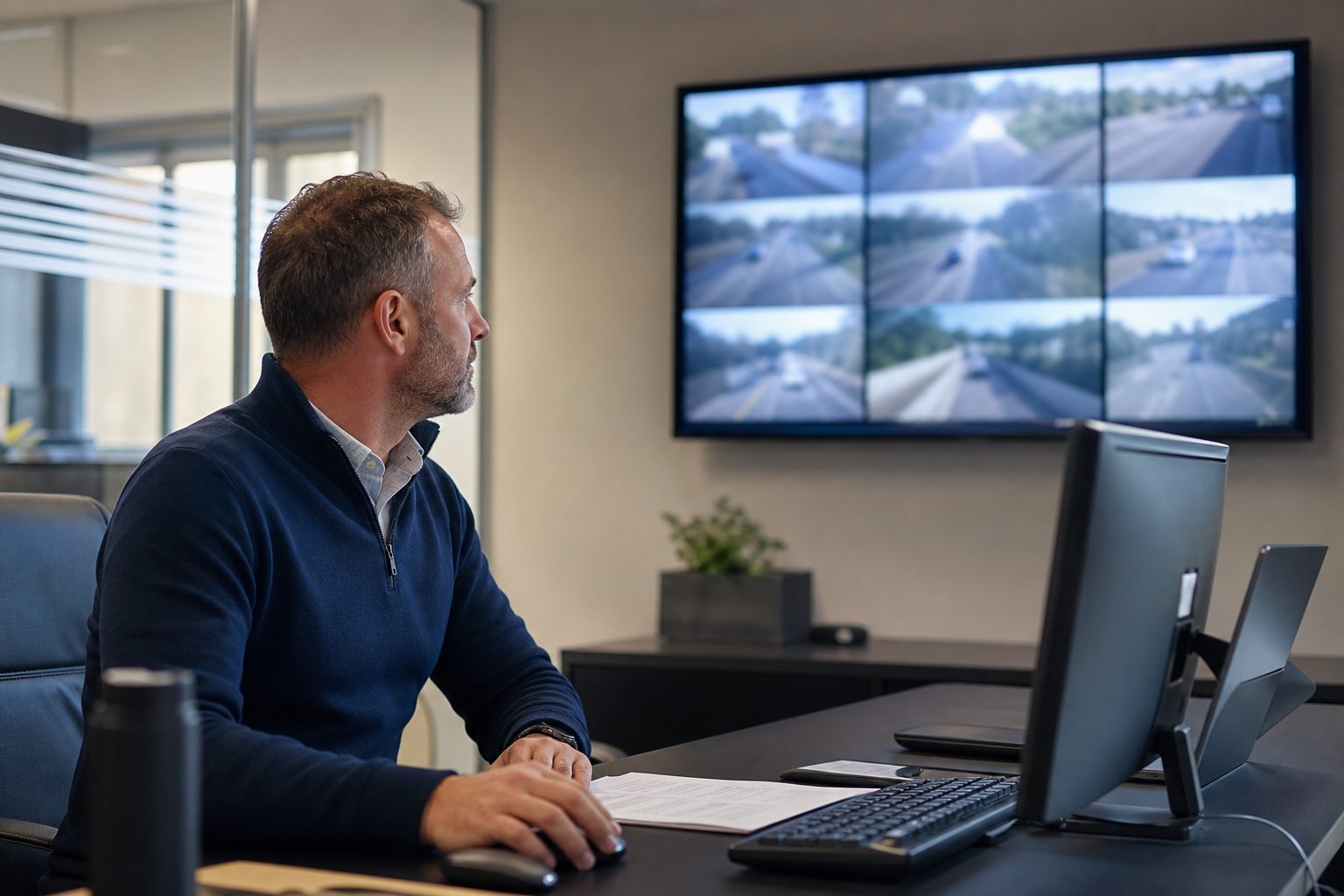
Live view fleet monitoring is the capability that allows a transport manager to open a platform dashboard and watch live camera footage from any vehicle in the fleet, at any point during the working day. Not recorded footage from earlier — the view from the vehicle’s cameras as it is happening, transmitted over 4G to the platform and displayed on screen.
It is one of those features that most fleet managers hear about when specifying a connected MDVR system, consider useful but not essential, and then find themselves relying on more than expected. The practical value of live view becomes clear the first time a driver reports an incident and the transport manager can check the footage while the driver is still at the scene — not after they have returned to depot, not the following morning, but in the moment when the information still shapes the response.
Live view is enabled by the 4G module in a connected MDVR. When the vehicle is powered and in 4G coverage, the MDVR maintains a connection to the fleet management platform. A transport manager opening the platform can select any connected vehicle and request a live camera feed. The MDVR begins streaming compressed video from the selected camera channel over 4G to the platform server, which displays it in the browser or app interface.
The stream is typically compressed using H.265 (HEVC) encoding, which reduces bandwidth consumption while maintaining adequate image quality for the live view use case. The result is a slight latency — typically 3–8 seconds between the vehicle and the screen — which is imperceptible for the monitoring purposes live view is used for. This is not a live broadcast in the broadcast media sense; it is a near-real-time operational feed.
Most connected MDVR platforms display up to four camera channels simultaneously in the live view interface. The transport manager can switch between camera positions — forward-facing, nearside, rear, driver-facing — or view a split-screen showing multiple angles at once. The live view is typically overlaid with GPS data showing the vehicle’s current position, speed, and heading.
The live view interface on a connected MDVR platform typically shows:
Camera feeds: Live footage from one or more camera channels on the selected vehicle, at the resolution the MDVR is configured to stream. Forward-facing and driver-facing cameras are the most commonly requested for live monitoring purposes.
Vehicle location: The vehicle’s current position on a map, updated as the vehicle moves. Combined with the camera feed, the location overlay shows exactly where on route the vehicle is and what road conditions it is experiencing.
Speed: Current GPS-derived speed, displayed as an overlay on the footage or as a separate data panel.
Fleet overview: A map view showing all connected vehicles in the fleet simultaneously, each represented as a moving icon. The transport manager can see the entire operational picture — which vehicles are moving, where they are, which have stopped — before drilling into a specific vehicle for live camera access.
Recent events: G-sensor events flagged in the last period, accessible from the same platform interface. Live view and event review are typically integrated so that a transport manager responding to a G-sensor alert can switch immediately to the live feed to see the current state of the vehicle.
Live view is not a feature that most transport managers use continuously. The operational case is not watching every vehicle all day — that would be neither practical nor appropriate. The value is in specific situations where knowing what is happening right now, rather than what happened earlier, changes the quality of the response.
Incident in progress: A driver calls in to report a collision or near-miss. The transport manager opens live view, checks the current state of the vehicle, confirms whether the driver has remained at the scene, and can see the road environment around the vehicle. This shapes the immediate response — whether to dispatch recovery, whether to contact police, whether the driver is at a safe stopping position.
Driver welfare check: A vehicle has stopped unexpectedly, the driver is not responding to calls, and the transport manager needs to understand whether this is a breakdown, a medical situation, or a communication failure. Live view of the driver-facing camera provides immediate confirmation of driver state — a feature that fleet managers describe as having prevented situations from escalating.
Route and delivery verification: A customer disputes that a delivery was made, or queries the time of arrival. Rather than waiting for the vehicle to return and reviewing stored footage, the transport manager can check the live GPS position against the route and, if the vehicle is still in the area, view the camera feed to confirm delivery completion.
Remote pre-shift check: For fleets where vehicles are stationed remotely — at customer sites, overnight parking locations, or satellite depots — live view enables a pre-departure check from the operations office without the need for an on-site supervisor.
A question that comes up regularly when transport managers are specifying a connected MDVR system is how much of their operational need is served by live view versus recorded footage. The answer is that they serve different purposes and neither replaces the other.
Recorded footage is the primary evidence source. It captures everything, continuously, regardless of whether anyone is watching. It is what the insurer reviews after an incident, what the fleet manager uses for driver coaching, what the HSE requests in a workplace injury investigation. Its value is in its completeness and its permanence — the recording exists whether or not anyone checked in live.
Live view is the real-time operational tool. Its value is in the present tense — what is happening now, enabling a response that is calibrated to current conditions rather than retrospective analysis. It does not replace recorded footage; it supplements it with the ability to act before the recording is reviewed.
Live view uses more data than event-triggered clip upload because it involves streaming continuous video rather than transmitting a short clip on demand. A single-channel live view stream at standard definition consumes approximately 250–400MB per hour. For a 4-channel simultaneous live view, multiply accordingly.
In practice, most fleet managers use live view selectively — a few minutes of monitoring per vehicle when required, not continuous streaming throughout the day. At selective usage levels, the additional data consumed by live view is manageable within a standard fleet SIM plan. Continuous multi-channel streaming would require a higher-data plan and should be factored into the SIM specification if that is the intended operating pattern.
Live view requires 4G coverage at the vehicle location. In areas with weak 4G signal, the stream may buffer or drop. This is a coverage issue rather than a platform issue — the same limitation applies to any 4G-dependent transmission. For fleets operating in areas with variable coverage, event-triggered clip upload (which queues and uploads when signal is available) remains available even where live view is intermittent.
Live view is a feature of connected MDVR systems with 4G capability, not all MDVR systems. Non-connected MDVRs record to local storage only and have no live view capability. When specifying a connected MDVR system, confirm that live view is included in the platform subscription rather than a separately chargeable add-on.
A single-channel standard definition live view stream uses approximately 250–400MB per hour. For occasional selective monitoring, this is manageable within most fleet SIM plans. Continuous multi-channel streaming requires a higher-data plan. Confirm expected live view usage patterns when selecting a SIM plan for connected MDVR deployment.
Most connected MDVR platforms support a fleet map overview showing all vehicles simultaneously, with the ability to drill into any individual vehicle for a live camera feed. Simultaneous live camera feeds from multiple vehicles are possible on most platforms but consume proportionally more data and may be limited by the platform’s concurrent stream capability. Check with your platform provider for the specific concurrent stream limit.
Live view is not separately recorded — the footage the transport manager watches in live view is the same footage being written to the MDVR’s local storage as part of normal continuous recording. The recorded footage is available for review regardless of whether live view was active at the time. Live view does not create an additional recording; it provides a window into what the MDVR is already recording.
A setup and configuration checklist for live view monitoring on connected MDVR systems, covering 4G prerequisites, platform configuration, live view testing, data plan review, and operational use case guidelines.
Tell us what vehicles you run and what you need — we will come back with a recommendation and a price. Prefer to talk? Call 01656 721871.
Related guides: How Live View Helps With Compliance and Audits · How Live View Helps Prevent Accidents
4 August 2026
Monday to Friday:
8.30am-5.30pm

