
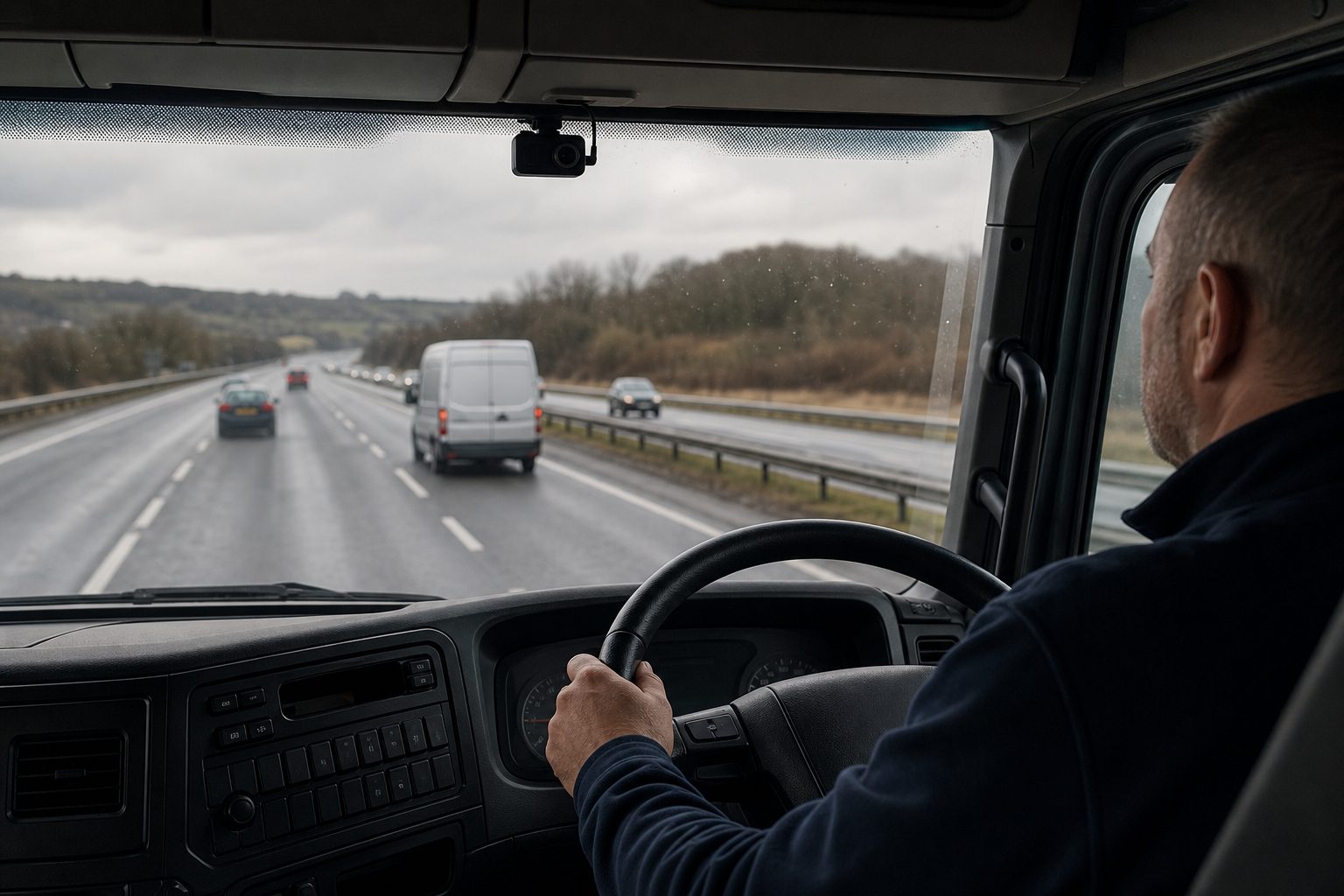
Live view is one of those features that looks straightforward on paper and turns complicated in practice. You have remote access to your vehicles. You can open a feed, see what a driver is doing right now, and check the GPS position simultaneously. The technology works. But without a clear process for when to use it and what to do with what you see, it quickly becomes either underused or a source of friction with drivers.
This live view monitoring checklist for fleet managers is a practical guide — not a product pitch. It covers the setup decisions you need to make before going live, the operational checks that should be routine, how to configure alerts without drowning in notifications, and the communication steps that determine whether drivers see the system as surveillance or as something that works for them too.
Skipping these steps is where most live view rollouts run into trouble in the first three months.
System and connectivity checks:
Policy and legal groundwork:
A 50-vehicle fleet running nine AI alert types can generate 450 notifications daily. When alert volume gets this high, the majority of alerts are never reviewed. That is not a monitoring programme — it is expensive noise that erodes the value of the system and burns out the manager reviewing it.
The fix is not a better alert filter. It is configuring the right alerts from the start.
The most common mistake fleet managers make with live view is treating it as a continuous surveillance tool. It is not designed for that, and attempting to use it that way produces two problems: it burns management time, and it creates exactly the surveillance culture that drives experienced drivers to leave.
Fleet managers who get the best results from live view are specific about when they access it. The legitimate use cases are:
Use live view when:
Do not use live view for:
Fleet managers in r/FleetManagement consistently come back to the same point: “To know which drivers are the top offenders and what they are doing wrong, you need the telematics.” Live view is the verification tool. Event data and driver scorecards are what tell you who to look at and when.
Driver resistance to camera systems is real and well-documented. The difference between a monitoring programme that improves safety and one that causes attrition is almost entirely in how it is introduced and maintained.
Live view monitoring without a structured review cycle is like having a smoke alarm and never checking the batteries. The data exists; what matters is whether anyone is acting on it consistently.
Weekly, ideally same day each week:
Monthly:
The question “is the monitoring working?” needs specific metrics to answer. The ones that matter:
The combination of solid driver coaching and telematics data is what fleet managers consistently report as the highest-return approach. As one experienced fleet manager put it: “Technology enhances training rather than replacing it. The key is to make drivers part of the process — explain how the data helps them drive safer and more efficiently, and reward improvements.”
How often should I access live view on a vehicle that has no active alerts? Not at all, as a routine. Live view without a specific trigger — an alert, a complaint, or a scheduled check — is general surveillance, which carries both legal risk under UK employment law and practical risk to driver retention. Reserve live view for situations where there is a specific reason to check.
What is a reasonable alert volume for a fleet of 20 vehicles? A well-configured system for a 20-vehicle fleet should generate 10–30 reviewable alerts per week, not per day. If you are seeing more than that, tighten thresholds or reduce the number of active alert types. Every alert that goes unreviewed reduces the value of the alerts you do review.
Do drivers have the right to see their own live view footage? Under UK GDPR, drivers have the right to request data held about them, which includes footage in which they appear. A subject access request must be responded to within one month. Footage used for disciplinary purposes should be disclosed to the driver before any formal process begins.
How do I handle a driver who refuses to accept live view monitoring? If the camera and monitoring policy was included in the driver’s employment contract or a signed vehicle use agreement, monitoring is a condition of the role. A driver refusing to accept it is refusing a contractual requirement. Take advice from an employment law specialist before treating this as a disciplinary matter.
What should I do if live view shows something concerning but no alert was triggered? If you were accessing live view for a legitimate reason (an alert on a nearby vehicle, a complaint about that vehicle) and observed concerning behaviour, you can act on it. Document what you saw, when you accessed the feed, and why, then treat it as you would any other flagged event. Do not start proactively reviewing random feeds hoping to find something.
How long should I keep live view access logs? The access logs showing who viewed which vehicle’s live feed and when should be retained for the same period as the footage itself — typically 28–90 days depending on your policy. Longer retention is advisable if any recorded footage is being retained for an ongoing incident or insurance claim.
Is live view monitoring covered by our existing employer liability insurance? Camera monitoring programmes, including live view, may be relevant to your employer liability cover. Inform your insurer when you deploy a live view system — some commercial vehicle insurers apply reduced premiums or improved terms for fleets with verified monitoring programmes.
What is the difference between live view and remote playback? Live view streams the current feed in real time. Remote playback lets you retrieve and review previously recorded footage from the MDVR without physically accessing the vehicle. Both require a cellular connection and platform access. Remote playback is more commonly used for incident investigation; live view is for real-time verification.
A complete setup and operations checklist — system checks, alert configuration, driver communication, and weekly/monthly review routine for fleet camera live view.
Tell us what vehicles you run and what you need — we will come back with a recommendation and a price. Prefer to talk? Call 01656 721871.
Related guides: Troubleshooting Live View Connection Issues · How Live View Helps With Compliance and Audits
4 August 2026
Monday to Friday:
8.30am-5.30pm

