
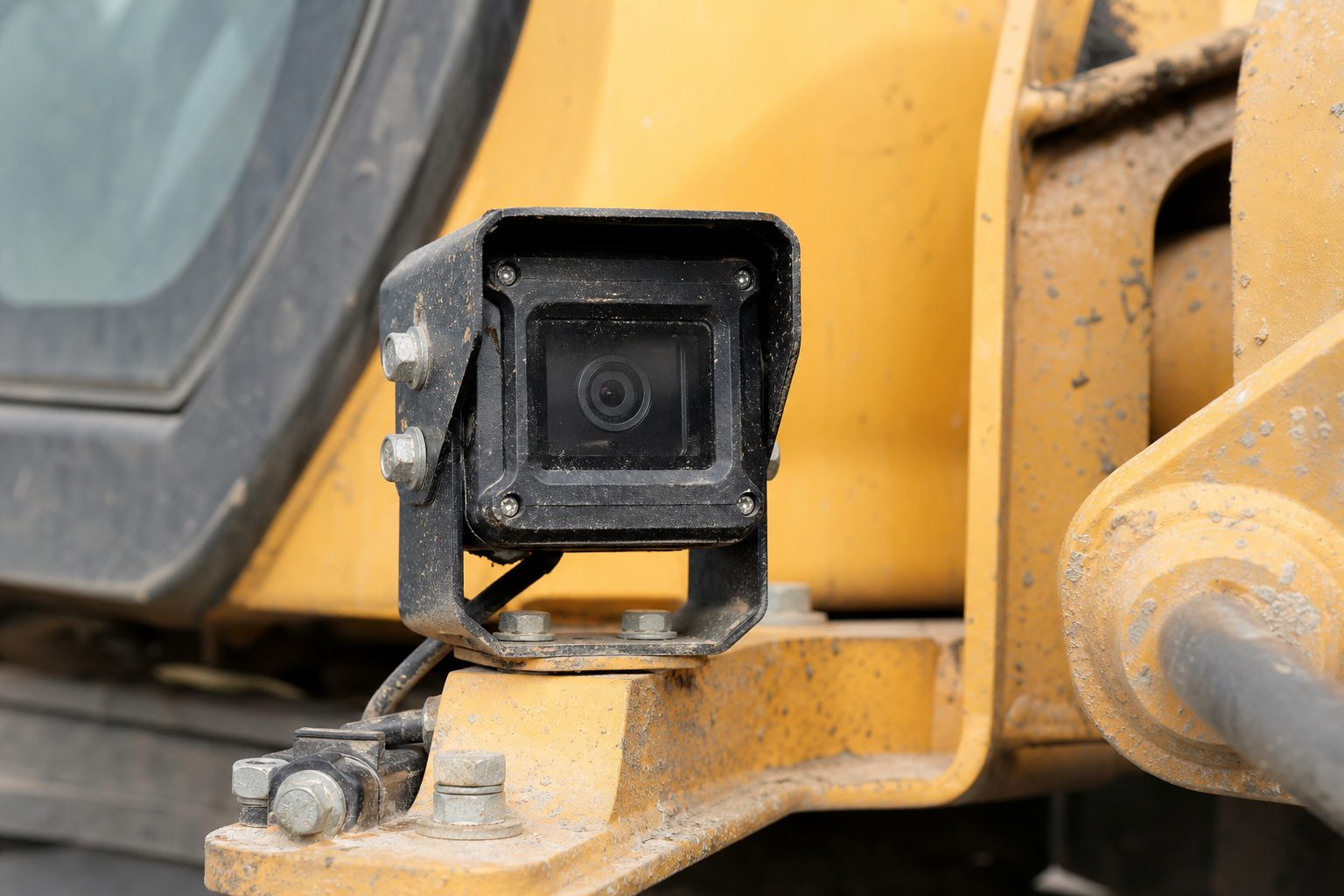
A quarry manager who can see a tipper truck’s camera feed from a site office 800 metres away can check a developing situation while it is still unfolding — the live feed typically runs 10–20 seconds behind real time. The same manager who has to wait for the vehicle to return to the workshop, pull the MDVR, and review footage on a laptop is doing incident investigation — not incident prevention. Live view on quarrying and mining operations is the difference between these two positions, and the connectivity challenges of remote industrial sites are the primary obstacle to achieving it.
This guide covers what live view systems can deliver on quarry and mining sites, how connectivity limitations affect the realistic options, and what the Quarries Regulations and MHSWR framework require in terms of monitoring and control.
Live view is not a single capability — it is a set of functions that different systems implement to different degrees. For quarrying operations, the meaningful functions are:
The fundamental challenge of live view on quarry and mining sites is bandwidth and coverage. A remote quarry in Devon or Wales may have no cellular signal at all across the operating area. Even sites near towns may have cellular dead zones in quarry pits where the rock walls block signal. Options in order of connectivity reliability:
4G/5G cellular with multiple SIM carriers: Vehicle-mounted cellular modems using multiple SIM cards (different carriers) improve coverage by selecting whichever carrier has signal at the vehicle’s current position. Still dependent on cellular infrastructure, which may be absent at depth in quarry pits. Some quarry operators install cellular repeaters in the pit to extend coverage.
Store-and-forward with event priority: Where live streaming is not practical due to connectivity gaps, MDVRs can be configured to flag triggered event clips for retrieval as soon as connectivity is available — prioritising incident footage over routine recording. This is not true live view but provides near-real-time access to critical footage. This is the fallback for sites with intermittent or absent cellular coverage.
Site-hosted server with VPN access: Rather than cloud-based live view, some quarry operations host a local server connected to the site network, accessible via VPN for authorised users outside the site. Reduces dependency on public cloud connectivity but requires local IT infrastructure.
Large quarries and surface mines often operate a control room where vehicle movements, weighbridge records, and crusher operations are monitored centrally. Integrating live view into this control room environment requires:
The Quarries Regulations 1999 require that a Quarry Safety Document is maintained and that significant risks, including vehicle movements, are managed by appropriate controls. The regulations require that quarrying operations are planned and supervised — including supervision of vehicle movements in the working areas.
Live view supports the supervision requirement by enabling remote observation of vehicle operations across the site. Where physical supervision of every area simultaneously is impractical — which is the normal condition on a large quarry — camera monitoring is the engineering control that enables the supervision the regulations require. An HSE quarry inspection following a vehicle incident will assess whether vehicle movements were adequately supervised, what technical controls were in place, and whether those controls were being actively used.
Live view platforms can speed up footage retrieval following a quarry incident. When an incident is reported, the site manager needs to:
Not via cellular. Rock walls block signal at depth, and a live feed depends on the vehicle having a working data connection. For pit operations without cellular coverage, the practical approach is store-and-forward — the MDVR records locally and footage can be retrieved once the vehicle exits the pit and re-enters coverage. Very deep or narrow quarry pits may have no practical live view option during operation — in which case the requirement for supervisory oversight of pit operations must be met by other means (physical supervision, strict traffic management by design). The store-and-forward approach at minimum provides rapid post-incident footage retrieval even where live monitoring is not achievable.
Streaming compressed HD video from a single camera requires approximately 1–2 Mbps. For a 4-camera live view stream from a single vehicle, 4–8 Mbps of sustained bandwidth is needed. For a fleet of 10 vehicles with simultaneous live view access to all cameras, 40–80 Mbps total is required. This is at the upper limit of what standard 4G cellular provides in good signal conditions, which is why live view is normally used to check individual vehicles rather than to stream every camera on site at once.
RIDDOR requires reporting of reportable incidents. The investigation that follows — by the HSE, by the site operator’s internal safety team, or by insurers — requires footage evidence. RIDDOR does not itself specify how footage should be stored. The Quarries Regulations and MHSWR require that supervision and monitoring evidence be available for inspection. In practice, footage from the period immediately before, during, and after a reportable incident should be preserved immediately on identification and retained until the investigation is formally closed — which may be months or years after the incident.
Yes, if the live view platform supports mobile app access. Most modern fleet camera platforms provide an app or mobile browser interface for authorised users. This enables a quarry manager off-site — in a supplier’s yard, at a regulatory meeting, or at home on call — to view vehicle camera feeds, check GPS positions, and review triggered event clips. Access controls should be configured so that off-site access is role-authenticated and that the audit log records who accessed which footage and when.
Alert prioritisation is essential on multi-vehicle quarry operations. Configure the system to escalate alerts based on severity: proximity sensor activations on haul roads may be frequent and require a lower escalation level; G-sensor triggers above a defined threshold (indicating significant impact) should immediately trigger live view display in the control room and prompt the controller to contact the driver. Geofence alerts for vehicles approaching pedestrian zones should generate a control room notification. The goal is to direct the controller’s attention to the highest-risk events without creating alert fatigue from routine operating events.
Download this free checklist to apply the guidance in this article to your fleet.
Tell us what vehicles you run and what you need — we will come back with a recommendation and a price. Prefer to talk? Call 01656 721871.
Related guides: Reducing Blind Spots in Industrial Machinery · Evidence Footage for On-Site Incidents
4 August 2026
Monday to Friday:
8.30am-5.30pm

