
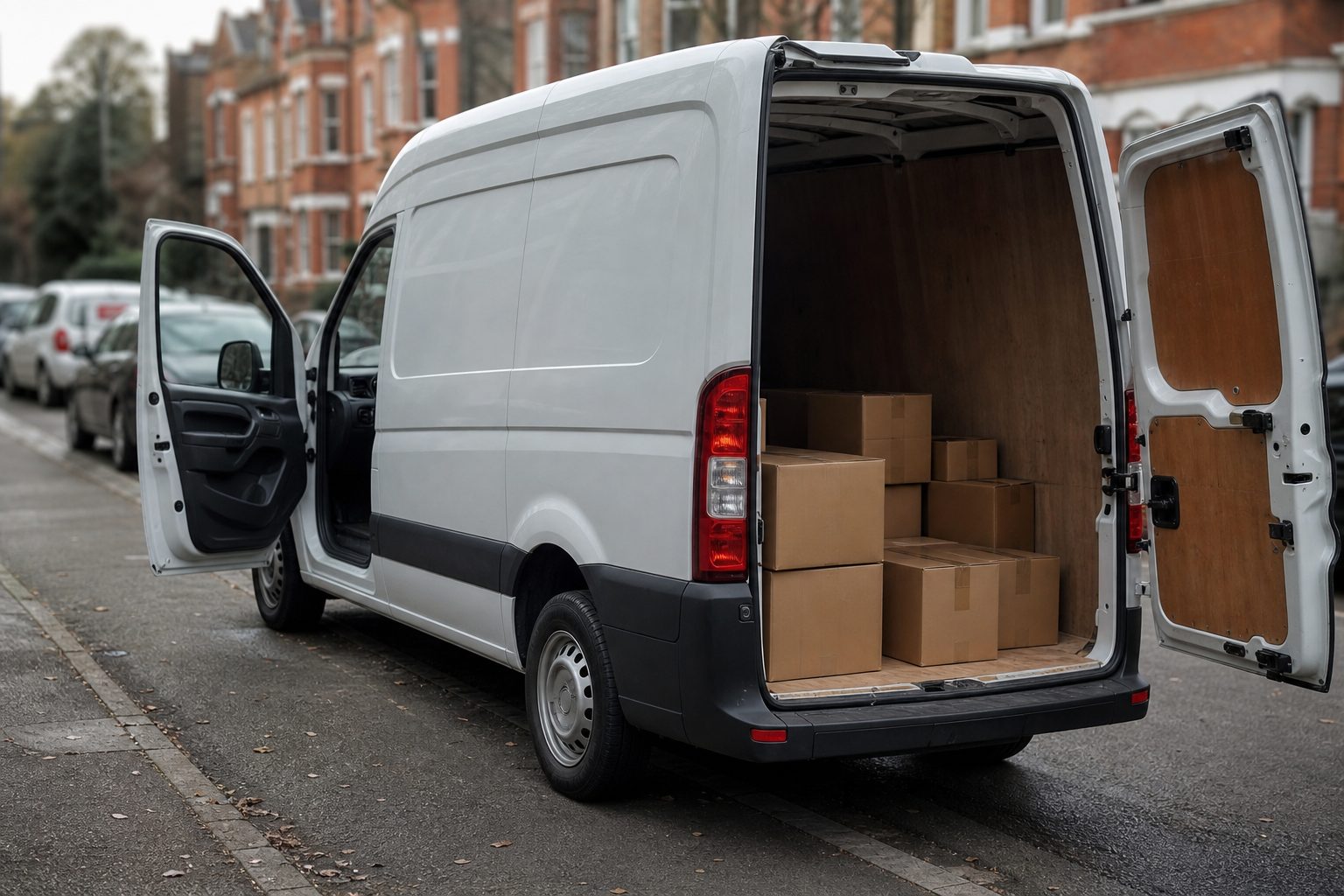
A multi-drop delivery vehicle making 60 stops in a day generates 60 potential dispute points — each address where a resident might claim the delivery was missed, damaged, or delivered to the wrong property. Managing these disputes reactively, after the driver has completed the route, with a verbal account and a handset scan record, is the old model. Live view connected to a delivery fleet changes that: disputes are resolved in real time, before they become complaints, with footage evidence that neither party can credibly dispute.
Live view for a delivery fleet means two things: real-time GPS location of every vehicle, visible on a fleet management dashboard; and remote camera access — the ability to view a live feed from any camera on any vehicle without requiring the driver to stop or the vehicle to return to depot.
For a multi-drop fleet manager, the practical applications of this capability are:
Real-time delivery verification. A customer contacts the depot claiming their parcel was not delivered. The fleet manager accesses the GPS record showing the vehicle was at that address at the relevant time, and the camera footage from that stop showing the delivery action. The dispute is resolved in the call, not deferred to the following day when the driver can be debriefed.
Route progress monitoring without radio contact. A vehicle running behind schedule is visible on the dashboard — the fleet manager can see how many stops remain and estimate realistic delivery windows without calling the driver. Proactive communication with customers waiting for time-sensitive deliveries becomes possible without requiring the driver to interrupt their route.
Incident response while the vehicle is still at the scene. A collision or near-miss is reported — by the driver, a third party, or a customer. The fleet manager accesses the live camera feed and GPS record while the vehicle is still at or near the location. The footage is retrieved, flagged, and preserved before it reaches the rolling retention window. The context of the incident — what was around the vehicle, what the driver did — is available within minutes of the report, not after the vehicle returns to depot hours later.
Proof of delivery for dispute-prone addresses. Some addresses generate repeat missed-delivery claims. Live view systems with camera footage indexed by GPS position create an irrefutable service record for every address — timestamped, geo-tagged footage of each delivery attempt, including footage of why delivery could not be completed if that was the outcome.
Standard dashcam footage is retrieved chronologically — you access a vehicle’s recording by scrolling through the timeline. For a multi-drop fleet where an incident is reported three days after the delivery, identifying which point in a day’s recording corresponds to a specific address is a time-consuming manual process.
Geo-locatable footage retrieval works differently. The fleet manager enters the delivery address in the portal, selects a time window, and the system retrieves all footage from vehicles that were at or near that location during that window — regardless of which vehicle, regardless of which point in the recording timeline. For a fleet manager handling a dispute claim, the process goes from address → footage in seconds, not address → vehicle → timeline → relevant clip over many minutes.
This retrieval speed directly determines the quality of evidence available in the early stages of a claim. A claim that arrives on Monday for a Friday delivery can be resolved with footage the same day, before the claimant has refined their account and before any witness recollections have faded. The information asymmetry that allows fraudulent claims to survive the early stages — the claimant has a story; the operator does not yet have footage — disappears when geo-locatable retrieval is in place.
Live view requires a sustained 4G or 5G data connection from the vehicle. Modern MDVRs with live view capability connect via SIM card installed in the unit, transmitting GPS position continuously and camera feeds on demand. For fleet managers accessing the portal from a desktop or mobile device, the connection is browser-based — no specialist software is required.
In areas with poor cellular coverage, the vehicle continues recording locally; the live feed is unavailable during the coverage gap but resumes automatically when connectivity is restored. Critical event clips — triggered by harsh events, proximity sensor alerts, or driver-activated incident flags — are queued for upload and transmitted as soon as connectivity allows.
For van fleets with many vehicles operating simultaneously across a wide area, data usage is a planning consideration. Standard-quality live view feeds consume approximately 500MB–1GB of data per vehicle per day if continuously streamed; in practice, live feeds are accessed on demand rather than continuously monitored, so actual data consumption is much lower. Telematics SIM contracts with aggregated data pools across a fleet are the standard commercial arrangement.
Live camera access to a vehicle in which a driver is working is personal data processing under UK GDPR. Drivers must be informed in writing that live camera feeds can be accessed by fleet managers, the trigger conditions for accessing those feeds, and how footage is used. The standard approach is to include live view monitoring within the fleet camera policy that all drivers sign as part of their employment or subcontractor agreement.
Routine monitoring of live feeds without a specific operational trigger is harder to justify under proportionality than event-triggered or incident-prompted access. The practical and proportionate position for most delivery fleet operators is: live feeds are accessible to fleet managers in response to a customer dispute, an incident report, or a driver welfare concern — not monitored continuously without cause.
Some MDVR systems provide in-cab notification when a remote user is accessing the live feed; others do not. Whether drivers are notified is a fleet policy decision, but the GDPR obligation to inform drivers that live access is possible applies regardless. The policy should specify that live access can occur without prior notice in response to an incident or safety concern — surprise monitoring is less problematic from a legal standpoint than undisclosed monitoring that drivers were never told about.
Live view is a real-time feed — it shows what the cameras are capturing now. Historical footage is retrieved from the MDVR’s rolling storage or from cloud-uploaded event clips. The distinction matters: a fleet manager who wants to see what happened at a delivery stop three days ago is not using live view — they are retrieving historical footage from the MDVR, which requires the geo-locatable retrieval function described above.
Yes. The forward-facing or external cameras — the delivery area camera, the rear camera during a reversing approach — show the delivery environment without capturing the driver’s face. For delivery verification purposes, the relevant footage is the vehicle arriving at the address and the delivery action itself, both of which can be confirmed from external cameras. Driver-facing camera access for welfare or safety review is a separate function with its own policy triggers.
The vehicle continues recording locally to the MDVR. The live feed is unavailable during the coverage gap but the historical recording continues uninterrupted. When connectivity is restored, event clips are uploaded automatically. The coverage gap will appear in the GPS track as a period without position updates — fleet managers can see where the blackspot is on the route and plan accordingly.
Yes, provided the subcontractor agreement covers camera use and GDPR notification. Delivery fleets that use owner-operator subcontractors on their own vehicles need to ensure the subcontractor’s vehicle is equipped with a compatible MDVR system and that the subcontractor driver has received the same policy notification as directly employed drivers. Some fleet operators provide and install the MDVR hardware as a condition of the subcontracting agreement to ensure system compatibility.
Download this free checklist to apply the guidance in this article to your fleet.
Tell us what vehicles you run and what you need — we will come back with a recommendation and a price. Prefer to talk? Call 01656 721871.
Related guides: Reducing Insurance Risk in Delivery Fleets · Using Cameras to Improve Delivery Efficiency
4 August 2026
Monday to Friday:
8.30am-5.30pm

