
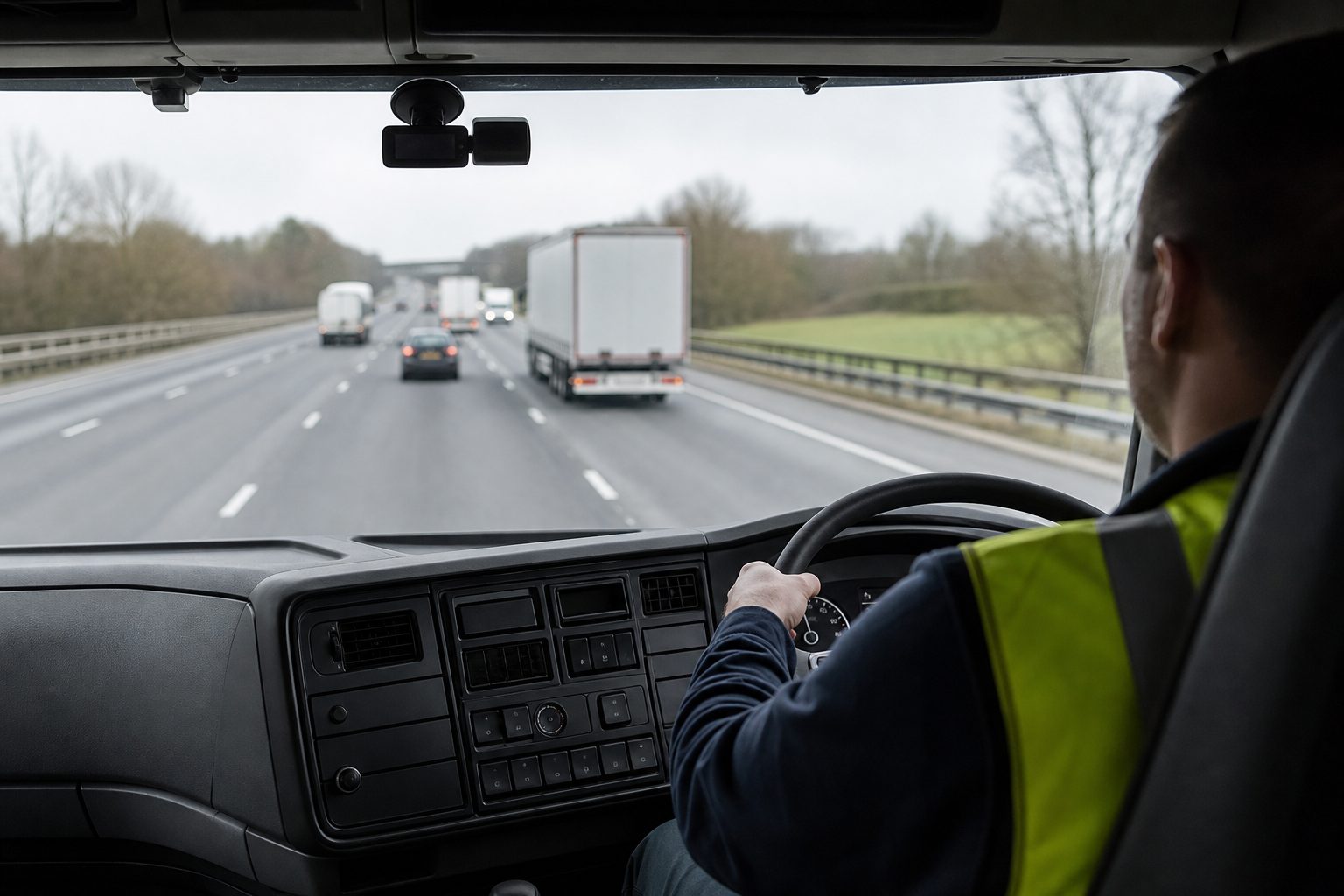
A live view platform that sends an alert for every harsh braking event on a 50-vehicle fleet will generate dozens of notifications before 9am. Within a week, transport managers learn to dismiss them without looking. Within a month, the system that was supposed to flag genuine risk has become noise — and the event that actually matters, the one that precedes a serious incident or a fraudulent claim, gets missed alongside everything else.
The goal of live alert configuration is not maximum sensitivity. It is appropriate sensitivity — calibrated to the events that warrant immediate manager attention, filtered away from the minor variations that are part of normal commercial vehicle operation. This guide covers what constitutes a high-risk event in fleet terms, how thresholds work, how to structure alert delivery so the right people receive the right notifications, and how to use the alert system for proactive driver coaching rather than purely reactive incident response.
Live view platforms detect high-risk events through the MDVR’s built-in accelerometer sensor, which measures g-force — the change in velocity relative to time — in three axes: forward/backward (braking and acceleration), lateral (cornering), and vertical (speed bumps, potholes, ramp transitions). When a threshold is exceeded, the MDVR triggers an event: it stamps the timestamp, captures a clip from all active camera channels, and queues the clip for automatic upload.
The events most fleet managers configure alerts for fall into these categories:
Harsh braking — A sudden deceleration typically detected at 0.3g or above. In a loaded HGV, this almost always indicates something unexpected in the road ahead: a pedestrian stepping out, a vehicle cutting across, an emergency manoeuvre. It is one of the highest-value alert types because it often precedes or indicates a near-miss.
Harsh acceleration — A rapid increase in speed, typically above 0.2g. Less safety-critical than braking but significant for fuel consumption tracking and driver behaviour scoring. Patterns of repeated harsh acceleration on specific routes often indicate a driver technique issue.
Harsh cornering — Lateral g-force above 0.4g for at least two seconds. Particularly relevant for PSV operators and tanker fleets where the centre of gravity makes aggressive cornering a genuine rollover risk.
Speed threshold breach — Vehicles exceeding defined speed limits or internal fleet speed limits for sustained periods. This is usually GPS-derived rather than accelerometer-derived. Most platforms allow operators to set speed thresholds above the legal limit to account for brief, minor variations, while still flagging sustained or significant breaches.
Collision or severe impact — A g-force event above a higher threshold — typically 0.6–0.8g or above — that indicates an actual impact rather than emergency braking. These events almost always require immediate manager response regardless of whether the driver has called in.
Driver-facing detection events — On AI-equipped platforms, driver-facing cameras can generate alerts for mobile phone use, drowsiness, seatbelt removal, and smoking. These require AI processing on the MDVR itself and are configured separately from g-force alerts.
The threshold is the g-force level at which an event is registered. Below the threshold: normal operation, no alert. Above it: event captured, clip queued, notification triggered.
Most platforms offer preset sensitivity levels — low, medium, high — mapped to specific g-force values for each event type. The appropriate starting point depends on the vehicle type:
HGV and heavy commercial vehicles have different motion dynamics to passenger cars. A vehicle carrying 24 tonnes cannot decelerate as rapidly as a car, so the same g-force value may indicate a more serious event in a heavy vehicle than in a light one. Most platforms include vehicle-type profiles that adjust base thresholds accordingly.
PSV and coach operators need lower thresholds for cornering events, given the passenger safety implications, and may want higher sensitivity on braking events given the potential for passenger injury claims following sharp decelerations.
Urban delivery fleets operating in stop-start traffic environments need careful calibration on harsh braking thresholds. A 0.3g braking event at 15mph in central London is qualitatively different from the same reading at 50mph on an A-road. Some platforms allow speed-conditional thresholds — where the g-force threshold varies based on the vehicle’s speed at the time of the event.
The practical approach is to start with the manufacturer’s default medium sensitivity for the relevant vehicle type, run the system for two to three weeks, and review which events are being flagged. If more than 70% of harsh braking alerts are reviewing as normal urban operation, the threshold is too low. If genuine near-misses are being missed, it is too high. Calibration is iterative, not a one-time setup decision.
A live alert is only useful if it reaches someone who can act on it, at the right time, through a channel they are monitoring. Most platforms allow granular control over how alerts are routed:
Push notification to mobile is the primary delivery channel for transport managers who are active and on shift. An alert that requires a manager to open a laptop and log in to a platform is an alert that will often be seen after the window for useful intervention has closed.
Email notification is appropriate for event types that need to be recorded and reviewed but do not require immediate action — harsh acceleration patterns, for example, or daily driver behaviour summaries. Email is also the right channel for overnight events that can be reviewed at the start of the next shift.
In-cab alert is an underused configuration option. Platforms with in-cab audio capability can deliver an alert tone or voice prompt to the driver at the moment the threshold is crossed. This is particularly effective for speeding events: a prompt at the point of breach addresses the behaviour in real time rather than after the fact. A driver who receives an in-cab alert will typically self-correct before a manager call is needed.
Tiered routing by severity is the configuration pattern that prevents alert fatigue. Low-severity events (single harsh braking instance, first-time threshold breach) route to email for review. Medium-severity events (repeated harsh braking in a session, speeding breach above a defined threshold) trigger a push notification. High-severity events (collision-level g-force, combined events indicating a likely incident) trigger push notification plus an automatic clip preview.
Alert fatigue is the documented failure mode of telematics and live view systems that are configured too broadly. When every threshold breach triggers an immediate notification, transport managers habituate to dismissing alerts. The system stops functioning as a safety tool and becomes an administrative burden that people route around.
The configuration patterns that prevent alert fatigue:
Minimum interval between alerts per vehicle — If a vehicle triggers three harsh braking events in ten minutes on a difficult urban route, sending three separate push notifications provides little additional information. A minimum interval rule — suppress subsequent alerts from the same vehicle for a defined period unless severity increases — maintains signal-to-noise ratio without losing important data. The events are still recorded; only the real-time notification is suppressed.
Time-window filtering — Some event types are more informative at certain times of day. Speeding alerts on a motorway at 2am tell a different story from the same alert during a delivery window in a residential area at 9am. Platforms that allow time-based alert rules give operators more control over what reaches the manager’s attention during active hours.
Cumulative scoring rather than per-event alerting — For driver behaviour monitoring, alerting on each individual event is less useful than a session or shift summary that shows a driver’s aggregate score. If a driver has a session score that falls below a defined threshold, that triggers a review — rather than the manager being interrupted for each component event as it occurs.
The alert is the trigger. The footage is what makes it actionable.
A well-configured platform links every alert directly to the associated event clip — typically a 60-second window centred on the threshold crossing, covering all active camera channels. When a push notification arrives, opening it brings the manager directly to that clip, with GPS overlay showing vehicle speed, position, and heading at the moment of the event.
This direct alert-to-footage path is what distinguishes a live view platform from a standalone telematics system. The manager does not need to search for the relevant footage, match timestamps to route data, or wait for the vehicle to return to depot. The event context is already assembled. A decision — review and file, flag for driver coaching, treat as a potential incident requiring FNOL — can be made within minutes of the alert arriving.
A question that comes up regularly among fleet managers adopting live view for the first time is how to handle alerts that arrive when no footage is available — connectivity black spots, camera faults, or temporary MDVR issues. The approach is straightforward: a severity-event alert with no corresponding footage is itself a red flag. It goes on the investigation list regardless of whether footage later becomes available from local storage.
The highest-value use of live alerts is not incident response — it is the coaching conversation that happens before an incident occurs.
Fleets that use alert data proactively — reviewing driver behaviour scores weekly, flagging repeat offenders in specific event categories, and having structured coaching conversations backed by footage — consistently see reductions in both event frequency and claim exposure within 60 to 90 days of deployment. The driver who knows that harsh braking events are reviewed and discussed, not just logged, drives differently from the driver who believes the data is never looked at.
The alert configuration supports this by making the data visible in a format that is useful for coaching. A report that shows a driver had seven harsh braking events in a shift, with associated clips, gives a transport manager a specific, evidenced conversation to have. Compare that to the alternative — a driver accounts saying nothing unusual happened, with no footage to review — and the operational value of structured alert configuration becomes clear.
Most fleet platforms default to 0.3g for light vehicles and 0.25g for heavy commercial vehicles as a medium-sensitivity starting point. These are not fixed standards — the right threshold depends on your vehicle type, route profile, and operational context. Run the system at default sensitivity for two to three weeks, review flagged events, and adjust based on what proportion of alerts represent genuine driving concerns versus normal operation.
Yes. Most platforms allow vehicle-specific or vehicle-group threshold profiles. HGVs, PSVs, and light commercial vehicles operating differently on different route types can each have calibrated settings. This is a core configuration step for mixed fleets — a single threshold applied across all vehicle types will either under-alert on heavies or over-alert on lights.
Start by applying minimum interval rules per vehicle — suppress repeat alerts of the same type from the same vehicle within a defined window. Second, review your threshold settings: if the majority of alerts are reviewing as normal operation, the threshold is too low. Third, move lower-severity events from push notification to email or daily summary, reserving immediate alerts for high-severity events only. Alert fatigue is a configuration problem, not a platform limitation.
Yes, consistently. Drivers who receive real-time in-cab prompts at the moment of a threshold breach self-correct significantly more often than drivers who only hear about events after the shift. The effect is strongest for speeding and harsh acceleration events, where the driver has time to respond. In-cab alerts are one of the most cost-effective alert configurations for fleets where driver behaviour improvement is the primary goal.
All alerts and associated event clips are stored on the platform’s cloud with a timestamped access log. This creates an auditable record of which events were flagged, when manager notifications were sent, and when footage was accessed. This audit trail supports disciplinary processes, insurance submissions, and FORS compliance documentation.
The MDVR records locally regardless of connectivity. When signal is restored, queued event clips upload automatically and any platform alerts that were held are delivered. For high-severity events in black spots, the alert arrives as soon as connectivity is restored — typically within a few minutes on most UK routes.
Yes — both legally and operationally. UK GDPR requires employees to be informed of monitoring systems, their purpose, and how data is used. A camera usage policy that specifies alert types, how footage is reviewed, and how alert data feeds into driver coaching and disciplinary processes satisfies this obligation and creates a documented baseline. Drivers who understand why the alerts exist, and that they are used for coaching rather than just surveillance, show better engagement with the process.
Alert records and associated footage can be submitted as evidence in employment proceedings where driver behaviour is relevant — disciplinary cases, dismissal for gross misconduct, or claims relating to vehicle incidents. The access log and chain of custody on cloud-stored footage supports its admissibility. HR and legal advice should be sought before relying on this data in formal proceedings.
A printable checklist covering event type thresholds, vehicle profiles, delivery channel setup, alert volume management, and driver policy requirements for fleet managers configuring live alerts on an MDVR platform.
Related guides: Detecting Tampered Cameras With Live View: What Fleet Managers Need to Know · Using Live View for Depot and Yard Security
4 August 2026
Monday to Friday:
8.30am-5.30pm

