
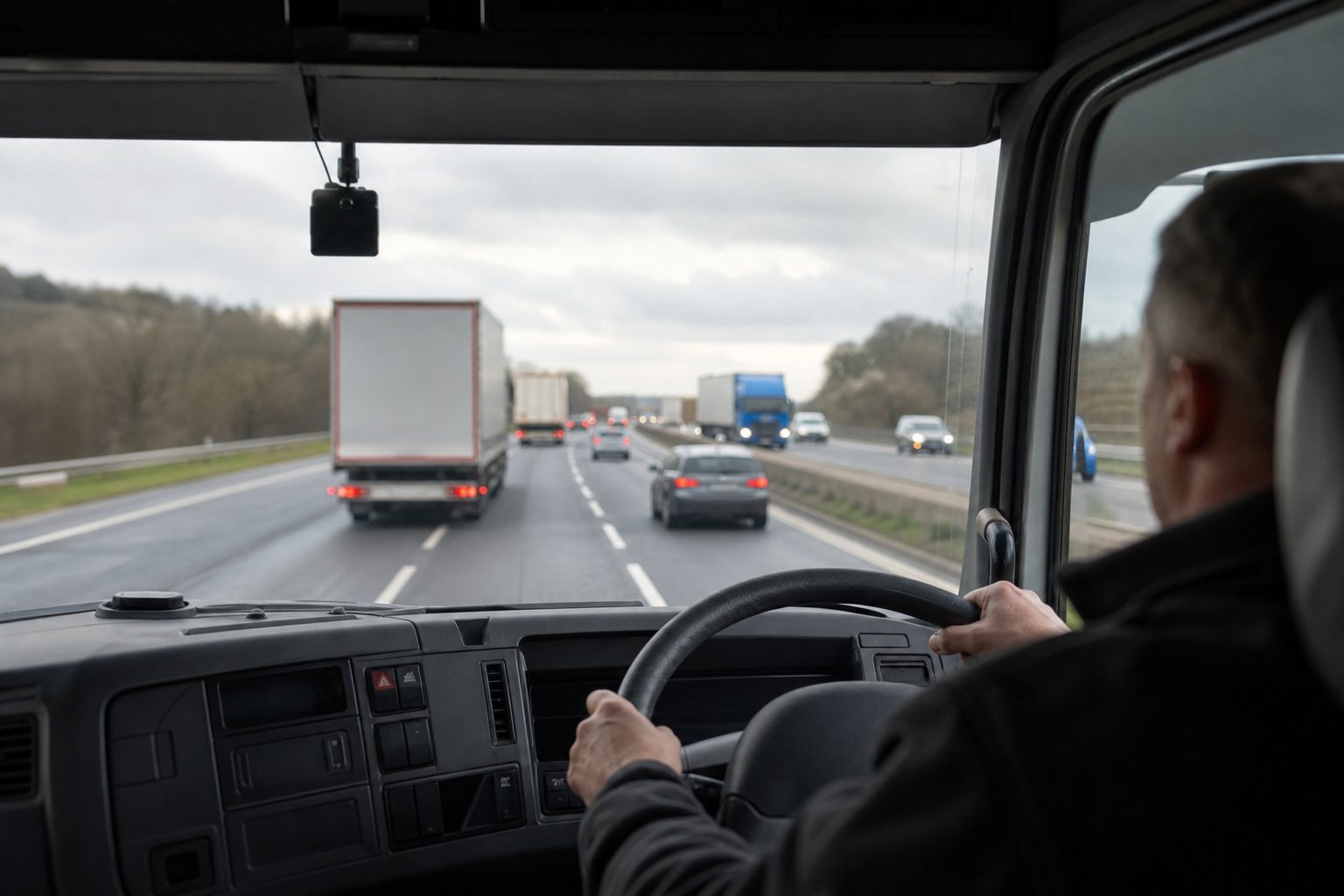
A transport manager without remote monitoring starts the working day with a lag. Vehicles departed an hour ago and the manager knows only what drivers have called in. A vehicle that stopped unexpectedly at 6am is not known about until 7am when the driver could not reach it. A near-miss at 6:30am will come to light when the driver returns at 5pm, if it comes to light at all.
A transport manager with remote monitoring starts the working day with a platform view. Every vehicle is visible. A G-sensor event from 6am is in the platform, with footage queued for review. The vehicle that stopped unexpectedly triggered an alert. The manager knows these things before they sit down with their first coffee. The information that shapes the day’s operational decisions is current, not retrospective.
This is the day-to-day difference that fleet managers describe most consistently when asked what remote monitoring actually changes in their working life. Not dramatic incident prevention stories — though those happen — but the sustained improvement in the quality of operational information, available continuously, without phone calls.
Before connected fleet monitoring, the transport manager’s primary information source was driver calls. A driver with a problem called in. A driver who arrived late explained the delay when they returned. Deliveries were confirmed by customer signature. Route deviations were invisible unless the driver reported them.
Remote monitoring replaces or supplements each of these with automatic data. GPS position is continuous — the manager can see every vehicle’s location, speed, and direction at any point during the day without making a call. G-sensor events upload automatically when thresholds are met. Geofences alert when a vehicle arrives at or departs from a location. The platform provides a factual record of where every vehicle was at every time, without relying on driver recollection or manual reporting.
The practical effect is that a transport manager running 15 vehicles can maintain operational visibility that would previously have required constant radio contact or a much larger management team. The information is available when needed, not on a call schedule.
Remote GPS tracking changes how transport managers handle the common disruptions of a working day — traffic incidents, late-running deliveries, customer delays — because they have current information rather than driver estimates.
A delivery that is running 45 minutes late is visible on the platform before the customer calls. The manager can contact the customer proactively with an accurate revised time based on the vehicle’s current location and the remaining route, rather than calling the driver, waiting for a callback, and relaying an estimate. This is a small operational improvement that compounds across dozens of deliveries and customer relationships over a working year.
For fleets operating multi-drop routes, the platform view shows which drops are complete, which are in progress, and where each vehicle is relative to its remaining stops. A driver who is significantly behind schedule is visible in the platform before they raise it as a problem. The manager can reassign a stop, arrange a customer call, or redeploy a nearby vehicle — decisions made with current information rather than information that arrives too late to affect outcomes.
A connected MDVR platform integrated with vehicle telematics provides the manager with fault code alerts, engine diagnostic information, and vehicle health indicators without the vehicle returning to depot. A fault code that indicates a developing engine issue appears in the platform. The manager can contact the driver and direct them to a workshop rather than waiting for the vehicle to break down at the roadside two shifts later.
Fleet managers who have used remote diagnostics describe the same transition: from reactive maintenance — fixing vehicles when they fail — to preventive maintenance — addressing developing issues before they cause operational disruption. The data that enables this is already available in the vehicle’s systems; connected monitoring makes it visible to the manager in real time.
For fleets with maintenance obligations — DVSA-regulated HGV fleets, in particular — remote monitoring provides the documentation record that compliance requires. Fault codes, driver defect reports, and service history are logged automatically rather than through manual processes that depend on drivers remembering to report issues.
A regular frustration for transport managers who rely on manual driver monitoring is the paperwork overhead. Driver debrief sheets, incident reports, and near-miss logs require someone to fill them in, file them, and review them. In practice, the administration burden means that minor events — a harsh braking incident, a speeding threshold exceeded — are often not recorded, and the coaching conversation that should follow does not happen.
Remote monitoring with G-sensor event recording automates this. Every threshold event is logged automatically, with timestamp, location, and footage. The manager reviews events from the platform rather than from paper reports. Coaching conversations are supported by footage that the driver cannot dispute. The documentation record exists whether or not anyone fills in a form.
A question that comes up regularly from fleet managers who are new to connected monitoring is how much time this actually saves. The answer depends on fleet size and current process, but the consistent observation is that the time saved on manual event logging is more than offset by the improvement in coaching quality — because the coaching conversations are better informed and more likely to produce lasting behaviour change.
Before remote monitoring, a transport manager’s ability to respond to an incident depended on being at the depot, near a radio, with access to the driver’s route paperwork. Remote monitoring decouples the response capability from the location. A manager who receives a G-sensor alert on their mobile device at 7pm can open the platform, review the footage, confirm the driver’s welfare, and notify the insurer — from a phone, from home, before the working day has formally resumed.
For smaller fleets where the transport manager is also the owner or director, this capability is particularly significant. It means that out-of-hours incidents — a collision at 9pm, a vehicle stopped in an unusual location on a Saturday morning — are identifiable and addressable without anyone being physically present at the depot. The footage exists. The GPS record exists. The response can begin immediately.
Remote monitoring does not replace judgement. The platform tells the manager what is happening; the manager decides what to do about it. A G-sensor event may be a collision or a harsh braking event on a flooded road. A vehicle stopped in an unusual location may be a welfare concern or a driver taking an authorised break. The data creates the opportunity to make a better-informed decision — it does not make the decision.
It also does not replace the driver relationship. Fleet managers who use remote monitoring effectively describe using it to support their drivers, not to watch them. A welfare check that gets a driver home safely after a family emergency builds trust. A coaching conversation supported by footage that exonerates the driver from a false claim builds confidence. The technology enables better management; it does not substitute for it.
A connected MDVR platform typically shows: a map view with all vehicle locations updated in real time, individual vehicle speed and direction, G-sensor events flagged with severity and footage, live camera view on any connected vehicle, geofence alerts, and driver behaviour scores. The exact features depend on the platform and the connected MDVR hardware.
The time saving varies by fleet size and current process. Typically: reduced time on driver check-in calls (location is visible without calling), faster incident response (footage is available immediately rather than waiting for vehicle return), and less manual administration of event logs. Most managers describe the qualitative improvement in information quality as more significant than the raw time saving.
Most connected MDVR platforms provide a mobile app or mobile-optimised web interface that provides the same core functionality as the desktop platform — vehicle map, live view, event review. For out-of-hours incident response, mobile access means the transport manager can respond to alerts without returning to the depot or sitting at a desk.
GPS tracking continues even in poor signal areas — position data is cached and uploaded when signal is restored. Live view and real-time event upload require 4G connectivity at the vehicle location. In areas with permanently poor coverage, event clips queue and upload when signal is available. For fleets operating in consistent low-coverage areas, this limitation should be factored into the operational processes for incident response.
Morning platform review, during-shift monitoring, end-of-shift review, and weekly reporting — a complete daily workflow for transport managers using remote fleet monitoring.
Tell us what vehicles you run and what you need — we will come back with a recommendation and a price. Prefer to talk? Call 01656 721871.
Related guides: 10 Real Incidents Prevented by Live Monitoring · Real-Time GPS Tracking: How It Works
4 August 2026
Monday to Friday:
8.30am-5.30pm

